Author: ronaldaromero
-
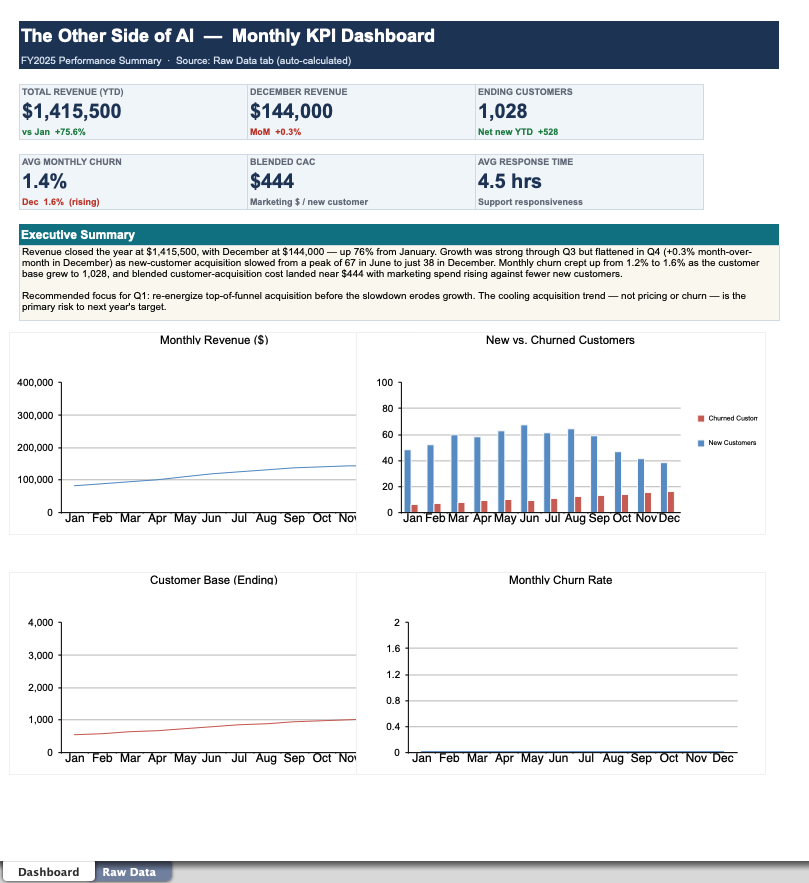
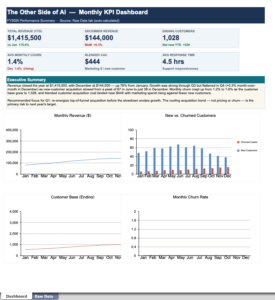
Using AI to Build Your KPI Dashboard
You know the drill. It’s crunch time, leadership wants “the numbers,” and you’re staring at a spreadsheet export with 4,000 rows, twelve columns, and a tab named Sheet3 (final) (USE THIS ONE). Somewhere in that mess is a story — but pulling it out means hours of pivot tables, chart formatting, and writing a summary…
-
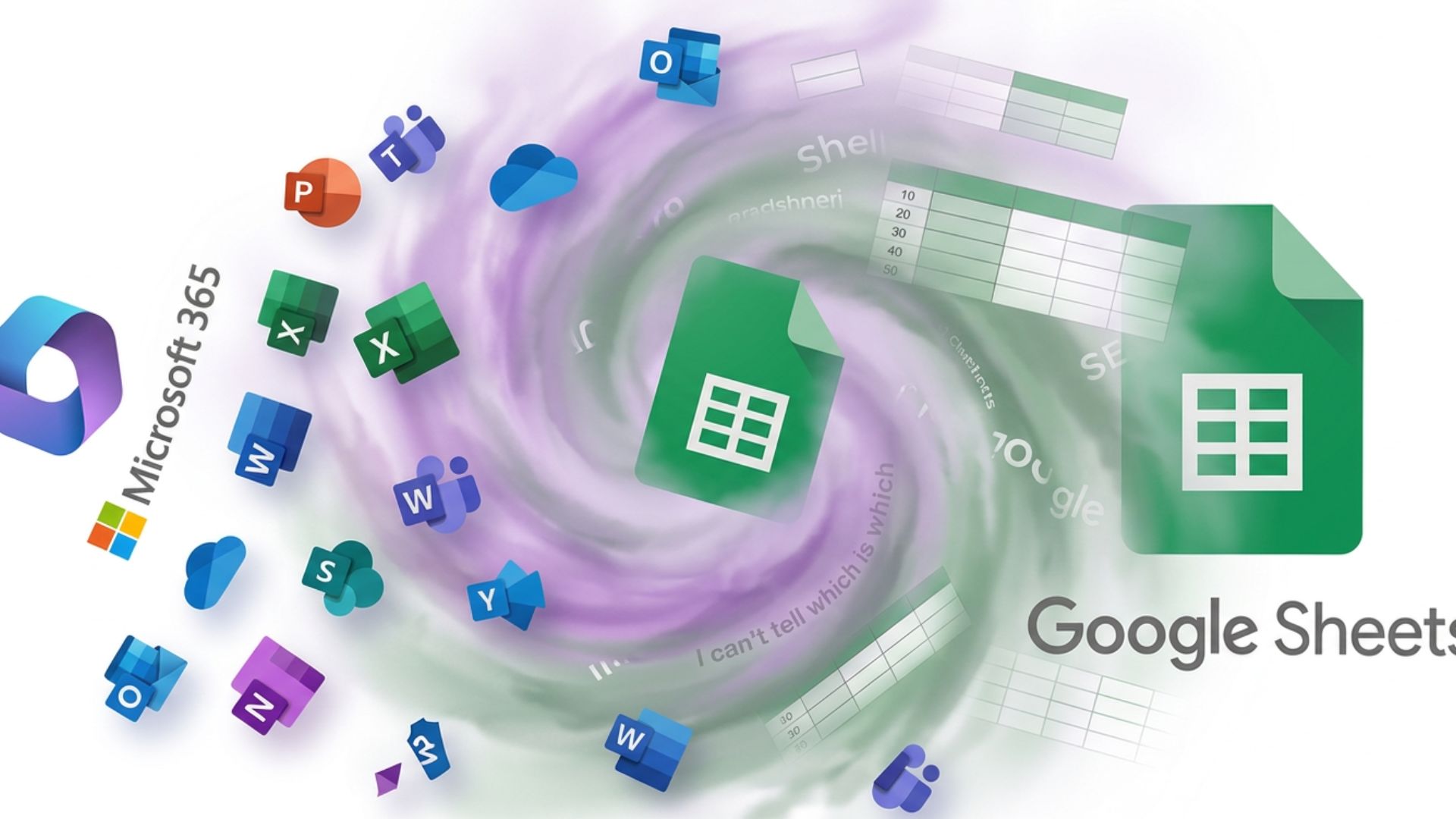
AI in Microsoft Office 365 and Google Sheets: Which Is Best for You?
What is available? Disclosure: Prices, plans, and AI features mentioned in this post were accurate as of the publish date but may have changed since. Always confirm current pricing and details on the provider’s official page before purchasing. Both big productivity suites now ship with an AI assistant built in. Microsoft Office 365 has Copilot.…
-
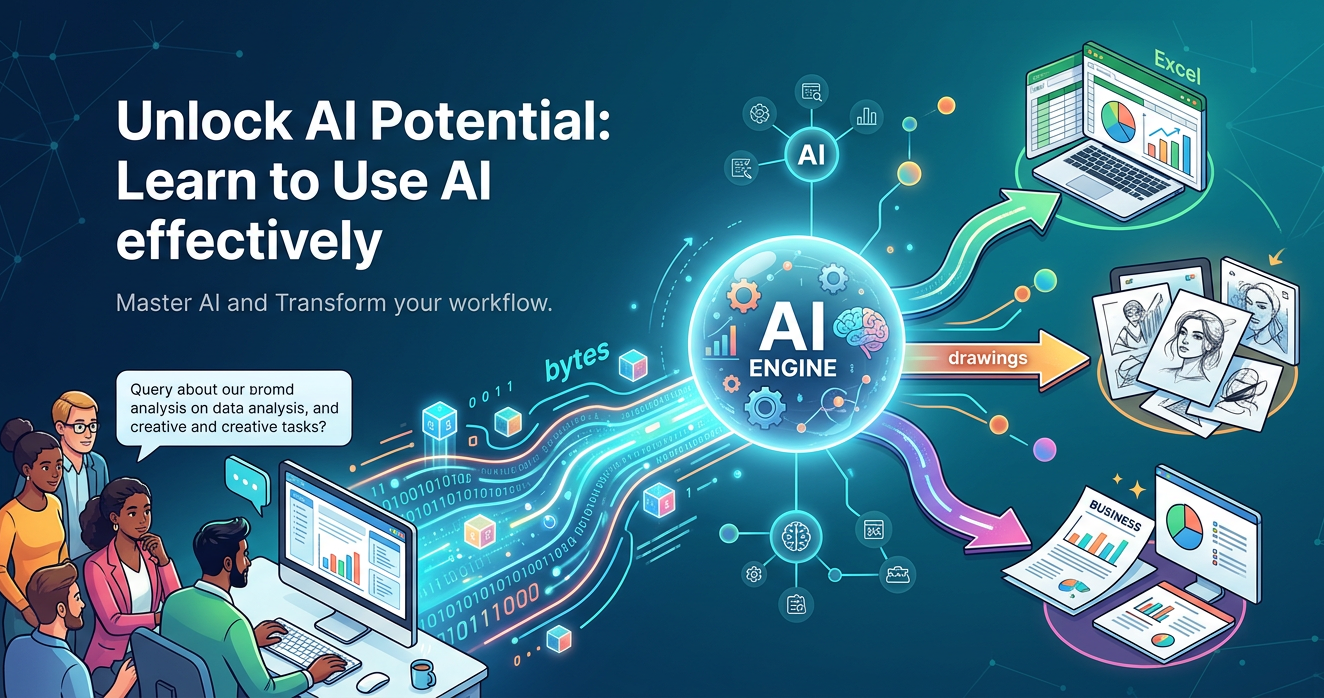
Introduction to AI: What It Is, How It Works, and the Tools Worth Knowing
AI has been a huge help in developing everything from Websites and Applications to Videos. If you know how to use it, it can be very beneficial for you. For our little introduction to AI, I’m going to let Claude Cowork write the rest of this article… Artificial Intelligence (AI) sounds like something out of…
Latest Blogs


About the Site

The Othr Side of AI
Artificial Intelligence (AI) is a tool — no different in spirit from a hammer, a screwdriver, or a saw. It’s just built for a different kind of work: instead of wood and nails, it helps you build with words and ideas. Under the hood, it helps organize digital information, all the way up to and including coding software. I view AI as more of a consultant that you tell what to do, and it does it. You become the designer, the choreographer, the playwright, the editor, or the architect. You are the boss, and AI is the tireless employee — once you know how to communicate with it, correct it, and recognize when it’s straying off course. You can redirect it to do what you want and make sure it doesn’t do what it wants. I explain not only the different uses for AI, but how to direct it so it sticks closer to the script — so you don’t waste time while building the tools you need to make yourself more productive and AI-savvy.